
Pixel Test Automation (PTA)
Connect, author, and execute automated tests across physical Android IVI units, digital instrument clusters, HUD HMIs, and mobile companion apps from anywhere in the world—with direct hardware bus control and zero inbound firewall footprint.
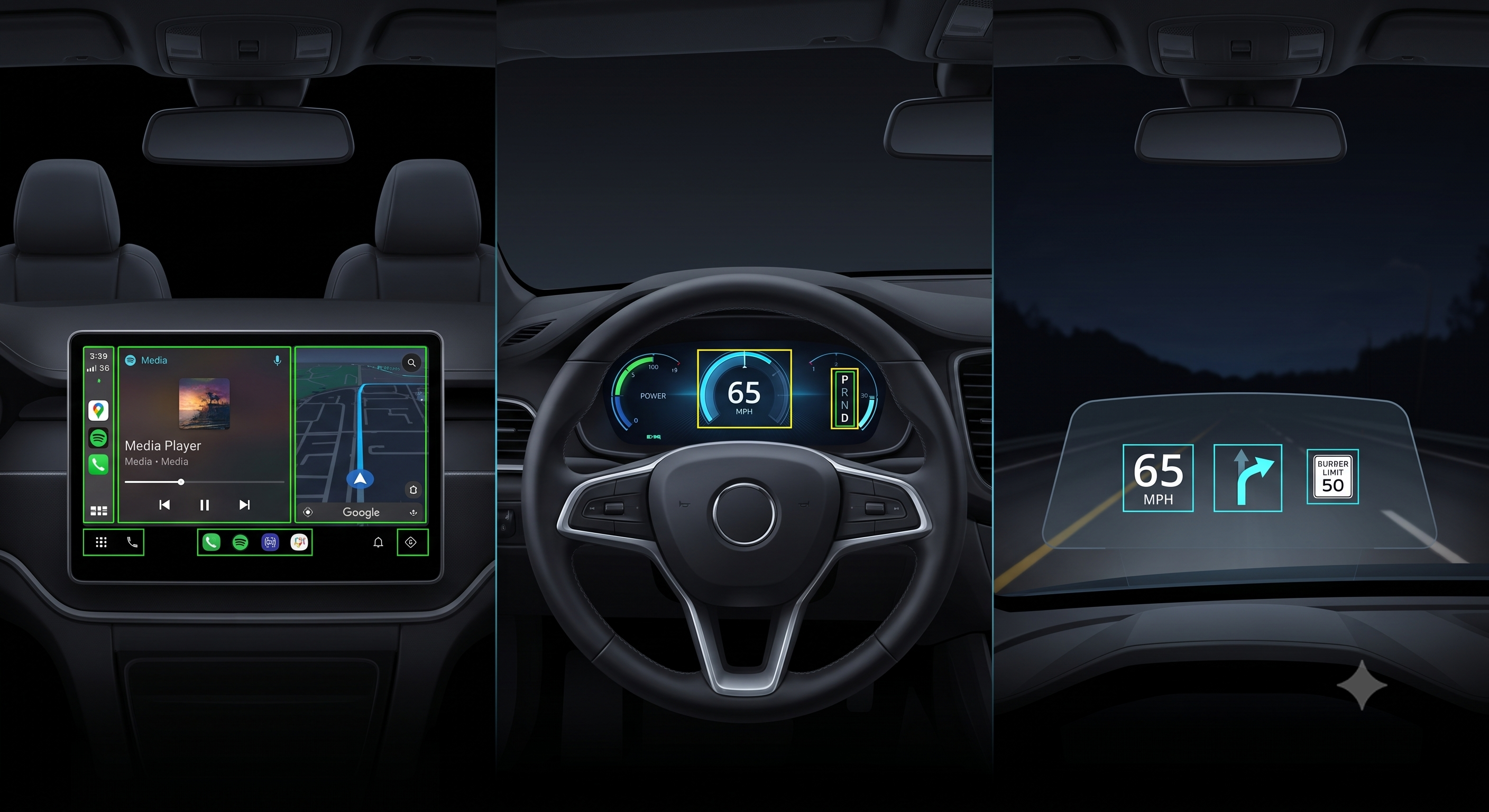
Why Choose Pixel Test Automation?
Traditional HIL setups require physical proximity, complex optical cameras, and restrictive VPNs. PTA transforms testing into an agile, 100% remotely accessible platform.
Camera-Free Direct HMI Validation
Eliminate webcams, lighting glare, and optical alignment errors. PTA captures display frames directly at the OS and hardware layer for high-precision OCR and pixel-perfect OpenCV template matching.
Zero-Inbound Firewall Footprint
Operates strictly on outbound HTTPS/WSS (Port 443). Deploy benches on restrictive enterprise subnets or Guest Wi-Fi without IT opening ports, configuring VPN tunnels, or exposing RDP.
Dedicated Hardware Benches (1:1)
Complete resource isolation ensures scheduled CI/CD runs and manual live debugging sessions never collide on the same target bench, maximizing hardware reliability.
24/7 CI/CD Bench Utilization
Native integration with GitHub Actions, GitLab CI, or Jenkins pipelines keeps physical hardware running continuous regression sweeps overnight with automated scheduling.
Distributed Collaborative Debugging
Access device displays, inspect layout locators, and inject hardware signals remotely through a low-latency WebRTC and WebSocket bridge from anywhere across the globe.
Universal Remote Authoring & Reports
Automated tests can be created by developers and QA engineers to run functional and unit tests from anywhere with real-time live view, telemetry trends, and evidence logs.
The Three Pillars of the PTA Ecosystem
A complete, integrated architecture uniting cloud orchestration, desktop IDE authoring, and on-bench hardware workers.
1. PTA Server
- Central management plane providing an eagle view of your organization’s entire automated test bench fleet.
- Distributed mutex locking guarantees exclusive hardware reservations for manual or CI/CD test runs.
- Directly syncs test cases, variants, and bench descriptors from customer Git repositories (GitHub / GitLab).
- Visualizes real-time telemetry, execution health, pass/fail trends, and direct links to evidence storage.
- Schedule tests remotely and trigger multi-bench validation runs across global locations.
2. PTA Studio
- Visual desktop IDE for authoring low-code YAML and Robot Framework test suites locally or remotely.
- Connect, live view, control, and inspect remote device HMI in real-time with responsive one-to-one communication.
- Inspect remote device views, extract locators (XPath, Resource ID, Accessibility ID), and test gestures interactively.
- Real-time schema linting, parameter autocompletion, and visual CAN/BLE signal injection panels.
- Built-in Git version control to pull, commit, and push test definitions directly.
3. PTA Agent
- Self-contained execution runtime deployed directly on the customer's on-site bench PC backend.
- Connects directly to target hardware: physical Android IVI, Instrument Clusters, companion test phones, power supplies, and CAN tools.
- Domain-specific test templates, hardware bus simulators, and device environment controllers.
- Executes Robot Framework suites programmatically via the
robot.runPython API. - Writes heavy media evidence (MP4 video, PNG screenshots, CAN logs) straight to local/network storage while streaming metadata.
Complete Remote Hardware & Environment Control
Full programmatic control over the physical test bench environment without needing anyone physically present in the lab.
Programmable Power Supplies
Remotely control power cycling, cold boot, warm boot, sleep/wake cycles, battery voltage fluctuation simulations, and real-time current draw monitoring.
CAN & CAN-FD Bus Controllers
DBC file integration, vehicle telemetry simulation, signal encode/decode, message timing verification, cycle time validation, and bus fault injection.
Wireless & Network Controllers
Automate Bluetooth pairing/unpairing, Wi-Fi reconnection, network loss simulation, AP restart, authentication failure handling, and signal attenuation.
Direct Touch & Display Framebuffer
Sub-millisecond touch, swipe, multi-touch gesture injection, direct OS screenshot extraction, and lossless video recording without external cameras.
Ready to Automate Your Automotive & Companion App Validation?
Deploy 100% remotely accessible, camera-free test benches at your facility with zero firewall modifications. Accelerate your release cycles today.
Schedule a Technical Deep Dive →